Receipt OCR Privacy: AI Reading, Your Review, Your Control
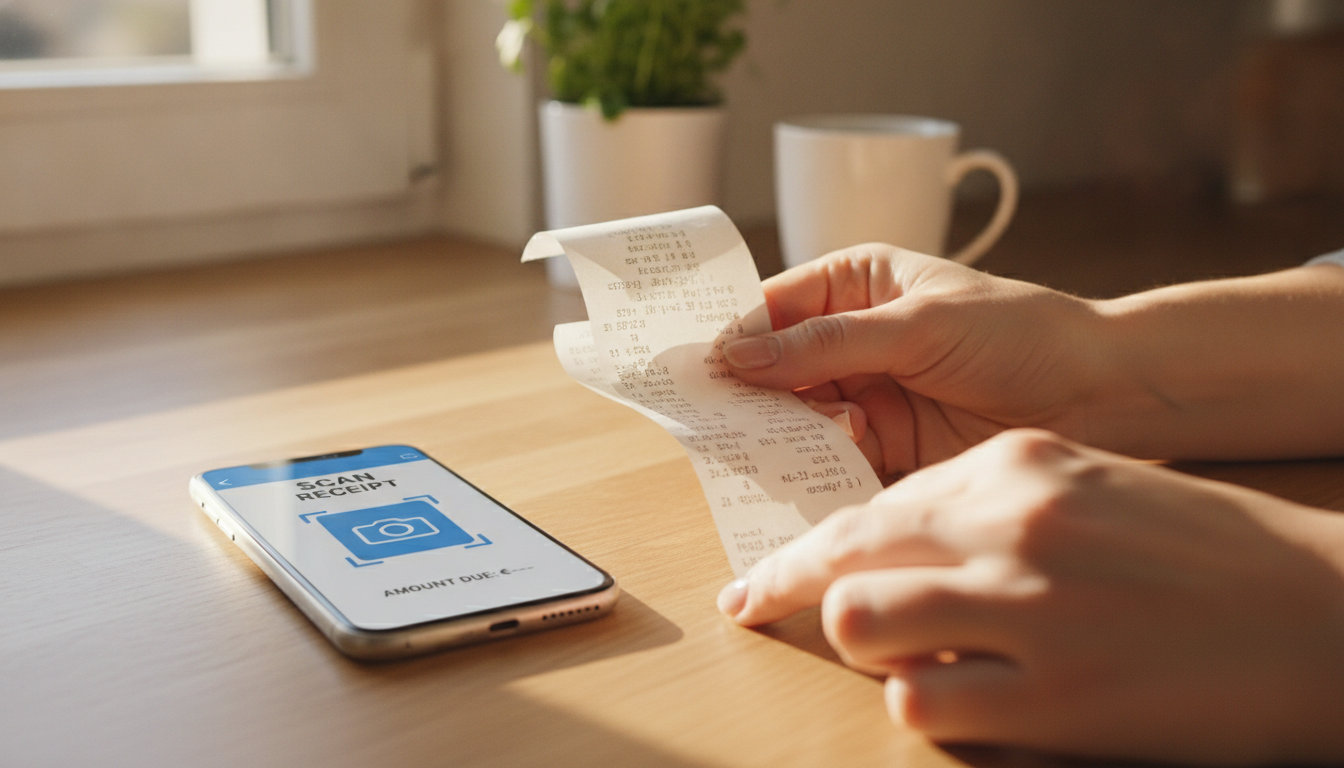
You just dug out that crinkled, slightly faded Lidl receipt from last week, barely legible with its cryptic abbreviations like "MOZZ BBL" for mozzarella. Or maybe it's one of those ridiculously long 40 cm Aldi slips that never quite fit in a single camera shot. You know you should track these purchases, but a nagging thought whispers: what actually happens to my data when I scan a receipt? Especially with all the talk about AI, concerns about receipt OCR privacy are completely valid.
TL;DR: Costmanager.online uses powerful AI, specifically Google's Gemini service, to read your receipts by default, ensuring high accuracy even with challenging European receipts. Your image or PDF is sent for processing. Crucially, nothing is saved to your account until you've had a chance to review and approve every detail. On-device OCR is only used as a fallback if the primary AI service fails, and even then, further processing might still involve AI. We never sell your data.
What Happens When You Scan a Receipt? The AI Advantage
When you snap a picture of your scontrino, Kassenbon, or ticket de caisse with Costmanager.online, that image or PDF isn't just sitting idle on your phone. To give you the best possible accuracy – extracting every item, price, and category from a faded thermal print or a multi-page PDF – we send your receipt data to Google's Gemini AI service by default. This powerful AI is designed to understand complex layouts, various languages, and even those abbreviated product names common in European supermarkets.
Why AI by default? Think about it: a receipt from Esselunga might have Italian abbreviations, a Rewe receipt German, and a Carrefour receipt French, all with different VAT (IVA/MwSt/TVA) structures. On-device OCR, while great for certain tasks, simply can't match the sophisticated understanding and multilingual capabilities of a cloud-based AI like Gemini for this kind of detailed extraction. It's about getting you accurate, usable data without you having to manually type everything out. This also means that, contrary to some apps that claim to process everything offline, your receipt images and PDFs do leave your device to be processed by Gemini.
Your Control: Review Before You Save
This is where your receipt OCR privacy truly comes into play and where Costmanager.online puts you in charge. After Gemini has done its work, the app presents you with the extracted data. This isn't automatically saved to your account. Instead, you get a clear, easy-to-read summary where you can:
- Check item names: Did "MICH ZIEG" correctly become "Müller Milchreis Ziegenkäse"? You can edit it if needed.
- Verify prices: Make sure the €2.49 for your organic tomatoes is spot on.
- Adjust categories: If a general item like "Pane" (bread) was categorised simply as "Groceries", you can change it to "Bakery" for more specific insights.
- Add missing details: Sometimes, even AI misses a tiny detail, or you might want to add a note.
Absolutely nothing is saved to your Costmanager.online account until you explicitly review and approve the extracted data. This step is your safeguard, ensuring the information stored is exactly what you want it to be, and it addresses the privacy implications of using cloud AI head-on. If you don't like what you see, or if you simply change your mind, you can discard the scan, and the data won't be stored.
When On-Device OCR is the Fallback
While cloud AI is our default for its superior accuracy, we do have a safety net. In rare cases where the primary Google Gemini AI service experiences a genuine failure – perhaps due to an internet outage on their end, or an extremely unusual receipt format that even advanced AI struggles with – Costmanager.online has a built-in, on-device OCR system. This local OCR acts as a fallback.
It's important to understand that this on-device OCR is only a fallback. It's not the default processing method, nor is it designed to be a primary privacy feature. It's there to ensure that even in challenging circumstances, you have a chance to get some data from your receipt. However, even if the initial text extraction happens on your device in this fallback scenario, the subsequent steps of product translation and categorisation may still utilise the Google Gemini AI to ensure you get the most accurate and useful data for your budget tracking.
Understanding Your Data and Receipt OCR Privacy
When you scan a receipt with Costmanager.online, the data extracted is specific to your grocery purchases. This includes:
- Date of purchase
- Shop name (e.g., Edeka, Conad)
- Individual product names and quantities
- Prices for each item
- Total amount
- VAT information (if available and relevant)
What Costmanager.online doesn't extract, and isn't interested in, are personal details like your name, address, or full payment card numbers, unless these are inadvertently printed as part of a product description (which is highly unlikely). Our focus is solely on the transactional data that helps you manage your spending.
We understand that putting your financial data into an app requires trust. That's why we're explicit: your data is never sold. Our business model relies on our Premium and Pro subscriptions, not on monetising your personal shopping habits through third parties. Your review and approval step, combined with our strict data handling policies, means your receipt OCR privacy is a priority.
Why AI is Better Than Pure On-Device for European Receipts
While the idea of everything staying on your device sounds appealing from a privacy perspective, for something as complex as grocery receipt scanning across Europe, pure on-device OCR often falls short. Here's why:
- Thermal Paper Fading: Those faded lines on your thermal paper receipts are a nightmare for basic OCR. AI can use contextual clues and image enhancement to decipher what's almost invisible.
- Cryptic Abbreviations: "MOZZ BBL" or "BIO NUDELN HS" (organic noodles spelt) are common. On-device OCR might just see random letters. AI, trained on vast datasets, can often infer the full product name.
- Multi-Photo Long Receipts: Trying to stitch together a 40 cm Aldi receipt from several photos is tough. AI services are better at processing these segmented images and assembling a coherent data set. Costmanager.online supports multi-photo capture for exactly this reason.
- VAT and Localisation: Recognising IVA in Italy, MwSt in Germany, or TVA in France, and correctly separating the base price from the tax, requires sophisticated language and accounting model understanding that simple on-device solutions lack.
Here's a quick comparison of the practical implications:
| Feature | On-Device OCR (Basic) | Cloud AI OCR (Costmanager.online) |
|---|---|---|
| Accuracy for complex receipts | Lower (fading, abbreviations) | High (contextual understanding) |
| Speed of processing | Can be slower on older devices | Fast, leverages powerful servers |
| Multilingual support | Limited, requires specific models | Extensive, handles varied European languages |
| Handling of long/multi-page receipts | Challenging, prone to errors | Excellent, designed for complex inputs |
| Privacy perception | High (data stays on device) | Requires trust in service provider (data leaves device) |
| Actual data security with Costmanager.online | Data stays on device (fallback only) | Data processed by Google Gemini, then presented for your review/approval, never sold. |
Practical Steps for Maximising Your Receipt Privacy
Even with advanced AI and a strong commitment to privacy, you can take steps to ensure your data is handled exactly as you prefer:
- Review Diligently: Always take a moment to look over the extracted data before tapping "Save". This is your primary control point.
- Crop if Concerned: If a receipt accidentally includes information you'd rather not share (e.g., your loyalty card number if it's prominently displayed and you're overly cautious, though we don't extract this), you can crop the image before sending it for processing.
- Understand the App's Policy: We've been transparent about how Costmanager.online handles your data. Not all apps are. Always read and understand the privacy policy of any service you use.
- Use Strong Passwords: Protect your Costmanager.online account with a unique, strong password, just like any other sensitive online service.
Costmanager.online is designed to give you powerful spending insights without compromising your control. You can explore its features for easy scanning and budgeting at Costmanager.online/scanner.
Key Takeaways
- Costmanager.online uses Google's Gemini AI by default for superior receipt OCR accuracy, especially for varied European receipts.
- Receipt images and PDFs leave your device for AI processing.
- You maintain full control: extracted data is never saved to your account until you review and approve it.
- On-device OCR is a fallback for genuine AI service failures; it is not the default processing method.
- Even with on-device fallback, further categorisation may still use AI.
- Costmanager.online never sells your data; our revenue comes from subscriptions.
- AI offers significant advantages over basic on-device OCR for complex, real-world receipts.
Making Smart Choices for Your Grocery Data
Managing your grocery spending in today's world can feel like a juggling act between convenience, accuracy, and data privacy. Costmanager.online aims to simplify this by leveraging the power of AI for precision, while putting you firmly in control of what gets saved. By understanding how your receipts are processed – from the initial AI read to your final approval – you can confidently use the app to track your finances, save money, and make informed shopping decisions, knowing your receipt OCR privacy is respected. Ready to get started? Visit Costmanager.online today.
Frequently asked questions
Is my receipt data truly private if AI reads it?
Yes, with Costmanager.online, your receipt OCR privacy is protected. While Google's Gemini AI processes the image for accuracy, the data is not saved to your account until you manually review and approve it. We never sell your data to third parties.
Does Costmanager.online save my scanned receipts automatically?
No, Costmanager.online does not save your scanned receipt data automatically. After the AI extracts the information, it's presented to you for review. You must explicitly approve and save the data for it to be stored in your account.
Can I use Costmanager.online offline for OCR to keep my receipts private?
Costmanager.online primarily uses cloud-based AI (Google Gemini) for OCR by default, meaning an internet connection is usually required and data leaves your device for processing. On-device OCR is only a fallback for service failures, not a primary offline feature, and further AI processing may still occur for categorisation.
What specific information does Costmanager.online extract from my receipts?
Costmanager.online extracts relevant shopping data like the date, shop name, individual item names, quantities, prices, and total amount. We do not extract personal identifying information such as your name, address, or full payment card numbers from your receipts.