Digitizing Paper Receipts for Smarter Budgeting
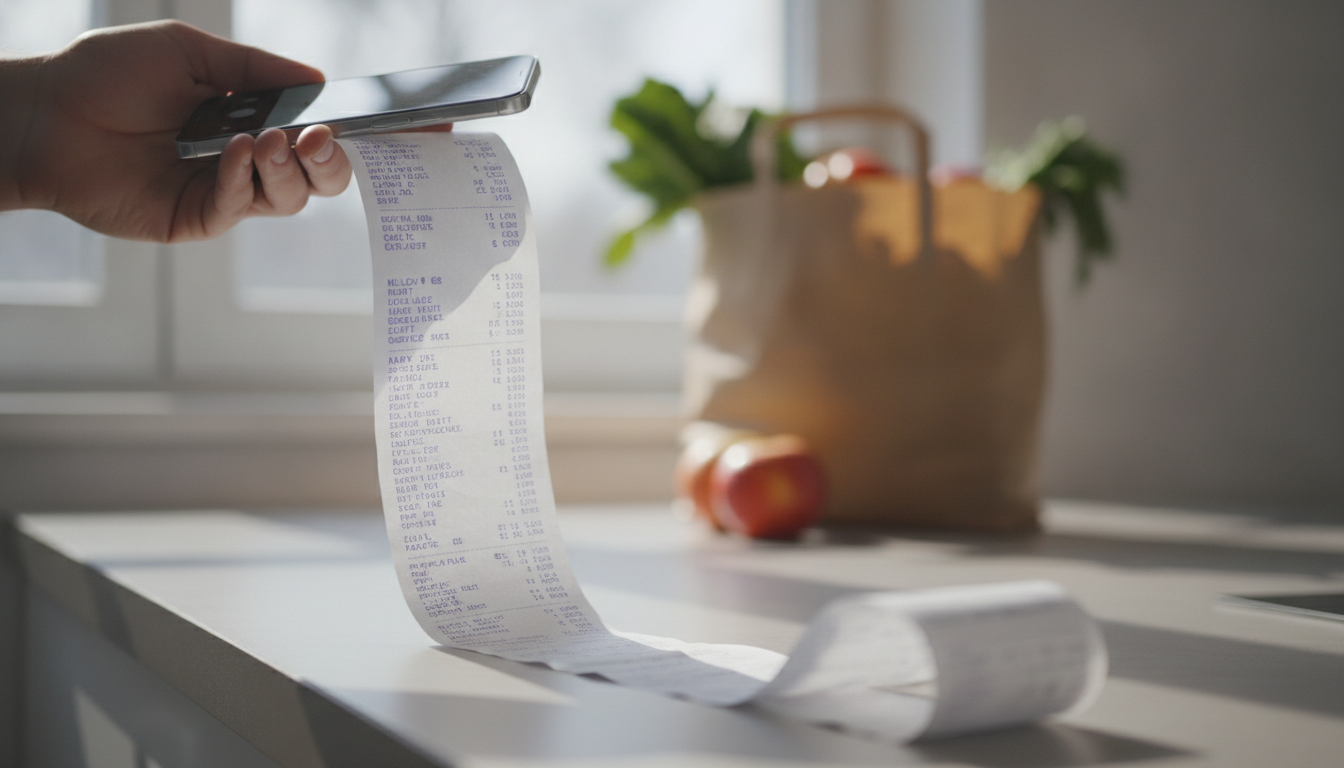
You've just emptied your wallet, finding a crumpled, faded Lidl receipt from three weeks ago, its thermal ink already disappearing like a ghost. Half the items are abbreviated – 'MOZZ BBL' or 'BIO FRUCHTSAFT' – and you have no idea what they really were, let alone what you paid for that specific mozzarella. This is a common scene for many of us, but it doesn't have to be. Learning to digitize paper receipts is the first step towards taking control of your grocery budget.
TL;DR: Paper receipts are easily lost, fade quickly, and offer little insight into your spending. Digitizing them with an app like Costmanager.online allows you to track every purchase, compare prices, build smart shopping lists, and gain item-level spending insights, making budgeting far more effective and less frustrating. This guide walks you through the 'why' and 'how' for European shoppers.
You’ve Got Receipts: Why Digitize Paper Receipts?
Every trip to Aldi, Carrefour, Rewe, or your local market leaves you with a paper trail. These little slips, whether they're a 'Kassenbon' in Germany, a 'scontrino' in Italy, or a 'ticket de caisse' in France, hold valuable data about your spending. The problem is, they're designed to be temporary and inconvenient. Ignoring them means missing out on important insights into your finances.
The Hidden Costs of Paper
- Fading Ink: Thermal paper, common in most European supermarkets, is notoriously ephemeral. Leave a receipt in your wallet or on a sunny counter for a few weeks, and you'll find the text fading into oblivion. Good luck using that for a return, or more importantly, for understanding your past spending.
- Cryptic Abbreviations: 'MOZZ BBL' for mozzarella, 'HK HKL H' for ground beef, 'FRSH MLK' for fresh milk. Supermarket receipts are full of these shorthand codes that make it incredibly hard to tell what you actually bought, and at what price, weeks later.
- Physical Clutter: Pockets full of crumpled slips, a drawer overflowing with old scontrini, or a shoebox stuffed with fading Kassenbons – it's messy, inconvenient, and utterly useless when you need to find something specific.
- Missed Opportunities: Without clear, accessible data, how can you truly know where your money goes? How do you compare prices across shops if you can't easily reference past purchases? How do you know if that 'special offer' truly saved you money? You can't.
Digitizing your paper receipts solves all these problems. It transforms transient bits of paper into actionable data you can use to make smarter spending decisions, stick to a budget, and even fight your personal grocery inflation.
From Pile to Pixel: How to Digitize Paper Receipts
There are a few ways to tackle receipt digitization, ranging from the truly painful to the remarkably efficient.
Method 1: The Manual Grind
This approach relies on your own effort and discipline. It's better than nothing, but comes with significant drawbacks.
Step 1: The Shoebox Method (Don't Do It!)
This isn't really digitizing, but it's where many people start and stop. You collect receipts in a physical container. When you need to find something, you rummage through the pile. This offers zero data insight and is prone to loss and fading. We've all been there, and it's not effective for budgeting.
Step 2: Spreadsheets and Scanners (Better, But Still Manual)
A slightly more advanced manual method involves physically scanning each receipt with a flatbed scanner or taking photos with your phone, then manually typing the details into a spreadsheet. You'd log the date, shop, total cost, and maybe even individual items if you're feeling ambitious. You'd note the VAT lines (IVA, MwSt, TVA) and try to decipher abbreviations.
Pros: You get digital copies; you have a record.
Cons: Extremely time-consuming; prone to human error; doesn't offer automated item categorization or price tracking; still requires significant effort to get useful insights.
Method 2: The Smart Way – Receipt Scanner Apps
This is where technology genuinely helps. Dedicated receipt scanner apps are built to streamline the process, turning that physical slip into structured, useful data with minimal effort from you. For budgeting, this is the only practical approach.
Why Apps Win for Budgeting
Apps designed for receipt scanning go beyond just taking a picture. They use advanced processing to extract information, categorize items, and present it in a way that helps you understand your spending habits. This is essential for effective budgeting, as you need to know *what* you're spending money on, not just the total amount.
Costmanager.online: Your Pocket Budgeting Powerhouse
Costmanager.online is designed to make digitizing your paper receipts and understanding your grocery spending incredibly easy and powerful. It’s built for real shoppers in Europe, understanding the nuances of local receipts and shopping habits. We're not just scanning; we're giving you insights.
How Costmanager.online Digitizes Your Receipts
When you scan a receipt with Costmanager.online, the magic happens largely in the cloud. We use powerful AI, like Google's Gemini service, to accurately read the text from your receipt images and PDFs. This means even those long, multi-photo Aldi slips or abbreviated Esselunga items are deciphered with high precision. While there's an on-device OCR fallback for rare service interruptions, the primary processing happens through these advanced cloud services, ensuring you get the most accurate data possible. Your data isn't saved to your account until you've reviewed and approved it, and we never sell your data.
Step-by-Step: Digitizing a Receipt with Costmanager.online
The process is straightforward, designed to get you from paper to insight in moments.
1. Capture Your Receipt
Open the Costmanager.online app and tap the 'Scan' button. Position your phone camera over the receipt. For long receipts (like those 40cm monsters from Kaufland or Edeka), the app automatically guides you to take multiple photos, stitching them together smoothly. The app is smart enough to handle different lighting and angles, but a clear, flat shot is always best. You can also upload PDF receipts directly.
2. Review and Refine
Once captured, Costmanager.online processes the image. Within moments, you'll see the extracted data: shop name, date, total, and crucially, an itemized list of your purchases. The AI does a fantastic job with abbreviations, often expanding 'MOZZ BBL' to 'Mozzarella Ball' and assigning it to the 'Dairy' category. You'll see the individual price, quantity, and sometimes even the unit price. Before anything is saved to your account, you get to review everything. If you spot a rare error or want to refine a category, it's easy to edit right there in the app. This is also where you can confirm that the VAT lines (like 7% and 19% MwSt in Germany, or 4%, 10%, 22% IVA in Italy) are correctly accounted for, though the app usually handles this automatically.
3. Track Your Spending
After your approval, the receipt is saved, and its data becomes part of your spending history. This isn't just a digital archive; it's a dynamic dataset that fuels your budgeting efforts. You can now see exactly where your money is going, down to the last €.
Beyond Scanning: Budgeting with Digital Receipts
Digitizing receipts with Costmanager.online isn't just about record-keeping; it's about empowerment. Here's how it helps you budget and save:
- Item-Level Insights: This is huge for budgeting. Instead of just seeing '€50 at Rewe', you see '2.49€ for milk', '3.89€ for organic tomatoes', '1.29€ for pasta'. This granularity allows you to identify exactly what you're spending too much on, or where you could make different choices. See more about this here.
- Price History and Comparisons: Ever wonder if that 'deal' at Carrefour is actually a good price compared to what you paid at Lidl last week? Costmanager.online tracks the price history of individual products across different shops. Over time, you build a powerful database of real-world prices, helping you spot genuine savings and avoid marketing tricks. This is key for understanding your personal grocery inflation.
- Smart Shopping Lists: With all that price data, the app can help you build a shopping list that not only tells you what you need but also suggests the cheapest shop to buy it from, based on your past purchases. Imagine going to the supermarket knowing you're getting the best value.
- Pro Features for Serious Savers: For those who want to take their budgeting to the next level, the Pro subscription (€4.99/month) offers advanced features like custom budgets, price alerts for your favourite products, a barcode scanner for instant price checks in-store, and restock reminders. You can even export your data as a CSV for in-depth analysis.
Choosing Your Digitization Path: Manual vs. App
| Feature | Manual Scanning + Spreadsheet | Costmanager.online App |
|---|---|---|
| Effort Required | High (manual data entry) | Low (capture & review) |
| Accuracy of Data | Prone to human error, typos | High (AI-powered, user-reviewed) |
| Time Investment | Very high (scanning, typing) | Low (seconds per receipt) |
| Item-Level Tracking | Extremely tedious to impossible | Automatic, detailed |
| Price History & Comparison | Requires extensive manual tracking | Automatic, cross-shop data |
| Categorization | Manual, inconsistent | Automatic, user-editable |
| Budgeting Insights | Basic totals, requires manual analysis | Detailed, actionable insights |
| Shopping List Integration | None | Smart list, shop recommendations |
| Accessibility | On your computer, physical files | Anywhere on your phone |
| Cost | Free (your time is expensive!) | Free trial, then €1.99/month (Premium) or €4.99/month (Pro) |
Key Takeaways for Smart Shoppers
- Digitizing paper receipts eliminates fading ink, physical clutter, and cryptic abbreviations.
- Manual methods are time-consuming and lack the depth of insight needed for effective budgeting.
- Receipt scanner apps, especially those like Costmanager.online, use advanced AI to accurately extract and categorize item-level data from your receipts.
- With Costmanager.online, you get item-level spending insights, product price history across shops, and smart shopping list recommendations.
- The app ensures your data is accurate, reviewed by you, and never sold, providing transparency and control over your financial information.
Making Smart Spending a Habit
Let's face it: budgeting can feel like a chore. But with the right tools, it transforms into a powerful way to understand your finances and make your money work harder for you. By embracing the simple act of digitizing paper receipts, you're not just archiving old slips; you're building a foundation for smarter spending and a healthier budget. Give it a try with the Costmanager.online receipt scanner, starting with a 3-month free trial. Your wallet – and your peace of mind – will thank you.
Frequently asked questions
What's the best way to digitize paper receipts for budgeting?
The best way is to use a dedicated receipt scanner app like Costmanager.online. These apps leverage AI to accurately capture, itemize, and categorize your purchases, providing valuable insights for budgeting that manual methods simply can't offer efficiently.
Do digitized receipts replace physical ones for returns or warranty?
While many stores accept digital receipts, it's always best to check their specific policy. For high-value items or warranty claims, it's often wise to keep the original physical receipt in a safe place, or at least a high-quality scanned copy.
Is it safe to upload my receipt data to an app?
With Costmanager.online, your privacy is a priority. We use secure cloud services for processing your receipts with AI, and your data is only saved to your account after your review and approval. Crucially, your data is never sold to third parties.
Can I track individual items and prices from my receipts?
Yes, absolutely! Costmanager.online excels at this. It not only captures the total but also extracts individual items, their prices, and categories. This item-level detail is essential for understanding exactly where your money goes and for tracking price changes over time.