Barcode Price Check In Store: Smart Shopping Secrets
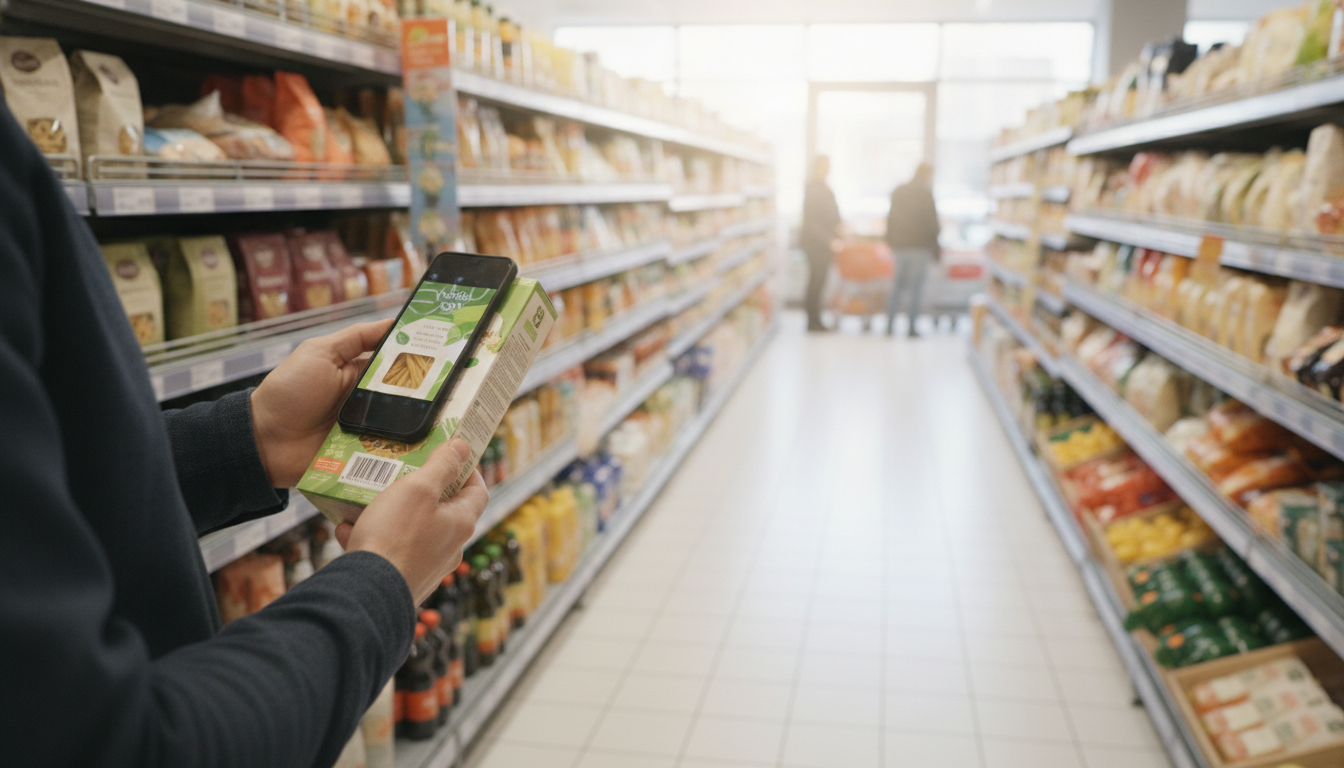
You’re standing in the supermarket aisle, clutching a package of your favourite Italian pasta. You remember seeing it on offer last week, but was it at this shop, or somewhere else? And what was the exact price you paid then? That little voice in your head is nagging, wondering if you're about to overspend.
This is a common dilemma for savvy European shoppers. Prices fluctuate, promotions come and go, and remembering every deal is impossible. This is where a quick barcode price check in store can save you from guessing games and potentially overspending. It's not just about scanning a barcode; it’s about leveraging your personal shopping history to make truly informed decisions on the spot.
TL;DR: Scan and Save
Forget trying to remember past prices or flipping through paper flyers. By using a smart app that processes your receipts, you can instantly see what you paid for an item before, whether it was on sale, and which shops offered the best deals. This guide will show you how to turn your smartphone into a powerful price comparison tool, helping you perform a real-time barcode price check in store and ensuring you always get the best value for your money, using your own shopping data.
Why Your Barcode Price Check In Store Needs a Memory
We’ve all been there. You grab your shopping basket, ready to tackle the weekly shop. Maybe you’re at Carrefour, maybe Edeka, or perhaps you've popped into a smaller Conad. You see a familiar item, and it looks like a good deal. But is it? Without your own personal price history, it’s just a guess.
Think about the sheer volume of products you buy. From your morning coffee beans to your evening pasta sauce, keeping track of individual prices, especially with promotions and shop-specific variations, is a Herculean task for your brain alone. And what about those subtle price increases that creep in?
The Problem with Traditional Price Tracking
- Fading Receipts: That thermal paper Kassenbon from Rewe or Aldi you shoved in your wallet? Good luck reading it a month later. The ink fades faster than your memory of what you paid for that specific brand of olive oil.
- Cryptic Abbreviations: "MOZZ BBL", "CAFF ESP", "SUG POM". Supermarket receipts, whether they're a scontrino from Esselunga or a ticket de caisse from a French hypermarché, are famous for their brevity. Deciphering what you actually bought, let alone its unit price, can be a nightmare.
- Memory Failure: Did you buy that yoghurt at Lidl for €0.79 or €0.85? Was the bigger pack at Kaufland a better deal per kilo last week? Our memories are simply not equipped for this level of detail across dozens of products and multiple shops.
- Lost Flyers and Ads: Trying to compare prices by collecting every weekly flyer from every shop is time-consuming and inefficient. By the time you get to the shop, the deal might be over, or you’ve forgotten where you saw it.
All these factors make a true, informed price comparison difficult. You need a system that remembers for you, a system that can tell you, at a glance, if the "special offer" you're looking at is genuinely special based on what you've paid before.
Your Phone: The Ultimate Price Scout
Your smartphone is already a powerful tool for communication, entertainment, and even banking. Why not turn it into your personal grocery price comparison assistant? This is where modern receipt scanning and price tracking apps come into their own.
Imagine being able to scan a barcode in store and instantly see not just the current price, but also your past purchase prices for that exact item, across different shops. This isn't science fiction; it's a practical reality for smart shoppers.
How Costmanager.online Transforms Your In-Store Price Checks
Costmanager.online is designed to take the guesswork out of grocery shopping. It doesn't just scan receipts; it creates a detailed, item-level history of your purchases. This history is your secret weapon for performing effective barcode price checks in store.
Here’s how it works:
- Effortless Receipt Capture: When you get home (or even before you leave the shop), you capture your paper receipts. Just snap a photo (or multiple photos for those extra-long Aldi slips) or upload a PDF. Costmanager.online leverages advanced AI, like Google's Gemini service, to accurately read and process your receipt images and PDFs. This powerful AI extracts every item, quantity, and price, even deciphering those cryptic abbreviations and separating out VAT lines like IVA, MwSt, or TVA. For rare cases where the primary service faces issues, an on-device OCR acts as a fallback.
- Item-Level Tracking: Unlike simply taking a picture, Costmanager.online breaks down your receipt into individual products. This means that "MOZZ BBL" gets translated into "Mozzarella Balls" (or whatever you prefer) and recorded with its specific price.
- Personal Price History: Every item you scan adds to your personal price history. The next time you encounter that same product, you can easily look up what you paid for it previously. This lets you spot real deals versus mere marketing.
- Smart Shopping List: Create your shopping list in the app, and it can even suggest the cheapest shops based on your past purchase data. This feature, combined with Pro price alerts, means you're always buying at the best time and place.
Crucially, your receipt data is processed securely and isn't saved to your account until you've reviewed and approved it. We never sell your data; it's purely for your benefit to manage your spending and save money. You can learn more about how it works at Costmanager.online.
Step-by-Step: Using Costmanager.online for In-Store Price Comparisons
Let’s walk through a practical example of how you can use Costmanager.online to make a smart decision while you're actually in the supermarket.
Illustrative Example: Comparing Olive Oil Prices
Imagine you're at your local Edeka. You see a 1-litre bottle of your favourite extra virgin olive oil for €8.49. Is that a good price? You vaguely remember buying it for less, but you're not sure when or where.
- Before You Go (or while browsing): Open the Costmanager.online app.
- Find the Product: Go to your 'Products' list or use the search function. Type "olive oil" or the specific brand name.
- Check Price History: The app will show you a list of all your past purchases of that olive oil, complete with dates, prices, and the shop where you bought it.
- Identify the Best Price: You might see something like this:
- 15/03/2024: Edeka, 1L, €8.49
- 01/03/2024: Rewe, 1L, €7.99 (on promotion)
- 15/02/2024: Edeka, 1L, €8.99
- Make Your Decision: Now you have a clear picture. You can decide if you want to wait for a better deal at Rewe, or if €8.49 is an acceptable price for your immediate needs.
For even faster, real-time comparisons, Costmanager.online Pro offers a dedicated barcode scanner. If you're a Pro user (€4.99/month), you can simply scan the barcode of the product in the shop, and if you've scanned a receipt containing that product before, the app will instantly pull up its price history for you. This is the ultimate barcode price check in store tool.
Beyond Barcodes: Leveraging Your Receipt History for Deeper Insights
While the immediate in-store barcode price check is incredibly useful, the true power of Costmanager.online comes from the comprehensive data it builds over time. This data empowers you to become a much smarter shopper in several ways:
You can identify trends, understand your spending habits, and make long-term financial improvements.
Understanding Your Spending by Category
Ever wondered how much you spend on fruit and vegetables versus meat, or household cleaning supplies? Costmanager.online automatically categorises your purchases. This means you get a clear overview of your spending in different areas. This insight helps you identify where you might be able to cut back or reallocate your budget. For more on this, check out our article on understanding your spending by category.
Tracking Your Personal Grocery Inflation
Official inflation figures are interesting, but what truly matters is your personal grocery inflation. Costmanager.online allows you to track how the prices of the specific products you buy regularly are changing over time. If your favourite brand of coffee has jumped 15% in price over six months, you’ll know immediately and can decide to switch brands or shops. This is invaluable for managing your household budget effectively. We dive deeper into this topic in our post about tracking your personal grocery inflation.
Finding the Cheapest Shop for Your Basket
With a comprehensive history of your purchases across various shops like Lidl, Penny, Kaufland, and local markets, Costmanager.online can help you identify which shops consistently offer better prices for your usual basket of goods. Imagine building your shopping list in the app, and it suggests, "Hey, for these items, you'll save €5 by going to shop X instead of shop Y this week."
What to Look For in a Price Checking App
Not all price checking tools are created equal. When choosing an app to help with your barcode price check in store and overall grocery management, consider these key factors:
| Feature | Why it Matters | Costmanager.online Status |
|---|---|---|
| Accurate Receipt Scanning (AI-powered) | important for capturing every item and price reliably, even with faded print or abbreviations. | Uses Google's Gemini AI, with on-device OCR as fallback. Highly accurate. |
| Item-Level Price History | Lets you see past prices for individual products, not just total receipt cost. | Core feature, tracks all item prices over time. |
| Multi-Shop Price Comparison | Enables comparing prices for the same item across different supermarkets. | Yes, builds a history from all your scanned receipts. |
| Shopping List Integration | Helps you plan purchases and potentially find the cheapest shop for your entire list. | Yes, with smart suggestions based on your data. |
| Data Privacy & Security | Ensures your personal spending data is protected and never sold. | Data processed securely, not saved until approved, never sold. |
| Barcode Scanner (Pro Feature) | Allows instant price lookups in store by scanning the product barcode. | Available with a Costmanager.online Pro subscription (€4.99/month). |
| Price Alerts (Pro Feature) | Notifies you when a desired product reaches your target price. | Available with a Costmanager.online Pro subscription (€4.99/month). |
| Category Spending Insights | Helps you understand where your money goes across different product types. | Yes, automatic categorisation. |
Key Takeaways for Smart Shopping
- Your smartphone, combined with a smart app, is your best friend for grocery price tracking.
- Faded thermal receipts and cryptic abbreviations are no match for AI-powered scanning.
- A personal price history helps you spot genuine deals and avoid overpaying.
- Costmanager.online uses Google's Gemini AI for precise receipt scanning, securely storing your data only after your approval.
- The Pro barcode scanner feature offers instant in-store price history lookups.
- Beyond individual items, track your spending by category and personal grocery inflation to save more.
Making Smart Choices at the Checkout
In a world of fluctuating prices and endless promotions, being an informed shopper is your biggest advantage. Relying on memory or outdated flyers just doesn't cut it anymore. By embracing tools like Costmanager.online, you transform your shopping experience from a guessing game into a strategic mission.
A quick barcode price check in store isn't just about saving a few cents on one item; it's about building a foundation of knowledge that empowers you to make smarter financial decisions every time you shop. Start tracking your receipts today, and take control of your grocery budget like never before.
Frequently asked questions
Can I do a barcode price check in store without internet?
Most advanced price checking features, especially those that rely on a vast product database or AI processing like Costmanager.online's Gemini service, require an internet connection to fetch real-time data or process receipts. While some basic on-device features might work offline (like simple OCR fallback), comprehensive price history and comparison need connectivity.
Is it accurate to check prices with a barcode scanner?
Yes, barcode scanners are highly accurate for identifying a product. The accuracy of the price information depends on the data source. With Costmanager.online, the price displayed is directly from your past scanned receipts, ensuring it's accurate to what you actually paid.
How can I compare prices across different shops using a price tracker?
A good price tracker like Costmanager.online builds a history of your purchases from all shops where you've scanned receipts. When you look up a product, its history will show you the prices you paid at various retailers, allowing you to easily see where you found the best deals.
Do supermarkets mind if I scan barcodes in their aisles?
Generally, supermarkets don't object to customers using their phones for personal price checks, especially if it's quick and discreet. However, policies can vary, so it's always wise to be respectful of store rules and other shoppers. Avoid causing disruption or blocking aisles.